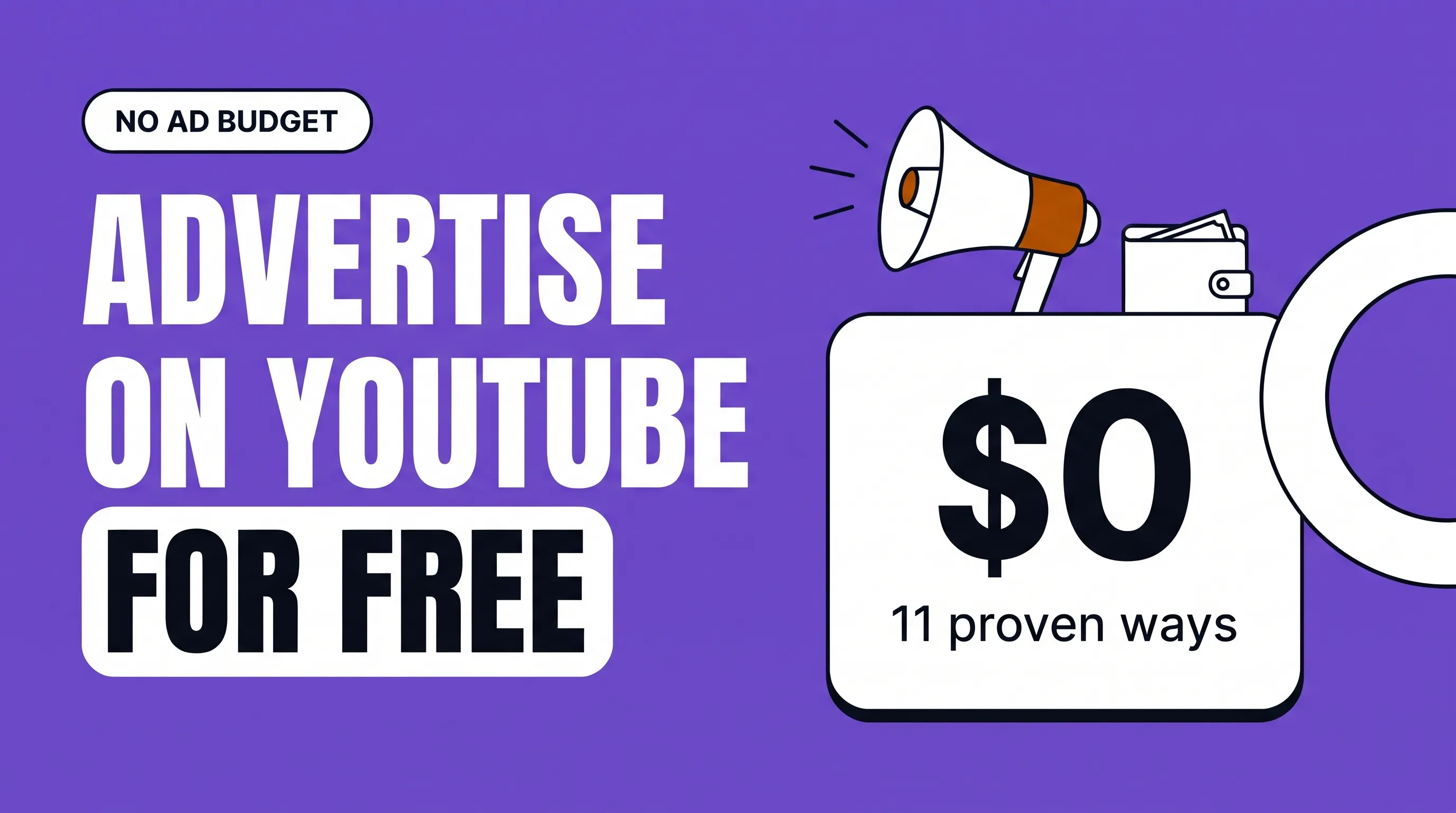
You can advertise your business on YouTube for free by publishing videos that answer what your customers search for, then making those videos easy to find, click and act on. You pay with time instead of money.
The catch is speed. Free promotion builds slowly, often over six months or more, while paid ads work from day one. The upside is that free videos keep working after you stop, and ads don't.
11 free ways to promote your business on YouTube
1. Answer the exact questions customers search for
Type your main service into YouTube's search bar and note the autocomplete suggestions. Those are real searches. A video titled with one of them, such as "How long does a dental implant take to heal?", can bring in viewers every week without a cent of ad spend.
2. Make "cost" and "vs" videos
Price and comparison searches come from people close to buying. "How much does [service] cost in [city]?" and "[Option A] vs [option B]" are two of the most valuable video types a business can make, and most competitors avoid them.
3. Write titles, descriptions and chapters for search
Put the search phrase near the start of the title. Summarize the video in the first two lines of the description, and add your website link. Chapters (timestamps in the description) help viewers jump to their answer and can show up in Google results.
4. Design thumbnails people want to click
A clear face or object, high contrast, and three words at most. If a video gets impressions but few clicks, change the thumbnail; you can update it any time.
5. Post Shorts that point to your long videos
Cut the best 30 to 60 seconds from each long video into a Short. Shorts reach people who don't follow you, and you can link a Short to the full video. Our guide on using YouTube Shorts for business covers what works.
6. Add a clear next step to every video
One call to action near the end: book a call, download a checklist, or watch a related video. Repeat it in the description and a pinned comment. Free promotion only pays off if viewers know what to do next.
7. Embed videos on your website
Put each video on the matching page of your site: the service page, the FAQ, the pricing page. It sends website visitors to your channel and gives the video more views.
8. Link your channel everywhere you already are
Add it to your Google Business Profile, email signature, social profiles, invoices and quote templates. Send new videos to your email list. These are free placements most businesses forget.
9. Collaborate with creators and other businesses
Appear on a creator's podcast, or film a joint video with a business that serves the same customers (a wedding photographer and a florist, say). Each side gets introduced to the other's audience. See our guide to finding YouTube influencers for your business.
10. Use playlists, end screens and community posts
Group videos into playlists by customer question so viewers keep watching. Add end screens linking to your next best video. Use community posts to ask your audience what they want to see next.
11. Reply to every comment, especially early on
Answering comments builds trust with the person asking and everyone reading later. Comments are also your best source of new video ideas.
A simple weekly routine (about 4 hours)
| Day | Task | Time |
|---|---|---|
| Monday | Pick one customer question and outline the video | 30 minutes |
| Tuesday | Film it on a phone with a clip-on mic | 1 hour |
| Wednesday | Edit, write the title and description, make the thumbnail | 1.5 hours |
| Thursday | Publish, cut one Short, embed the video on your site | 45 minutes |
| Friday | Reply to comments, email the video to your list | 15 minutes |
Keep this up for six months and you'll have around 25 videos answering your customers' most common questions. That library is the free advertising.
When free promotion stops being enough
Consider paying for help or ads when:
A video already brings in leads, and you want more people to see it. A small YouTube ads budget behind a proven video is the safest first ad spend.
You've posted consistently for six months and views are still flat. A channel audit can show whether the problem is topics, titles or thumbnails.
You don't have four hours a week. A freelance editor or a channel management agency can take most of the routine off your plate.
Our guide to what a YouTube ads agency costs shows what each option costs.
FAQ
Can you really advertise on YouTube for free?
Yes. Uploading videos, optimizing them, posting Shorts and community posts all cost nothing. Paid YouTube ads are optional.
How long does free YouTube promotion take to work?
Usually three to six months of steady posting before results are clear. Videos that target specific search questions often start getting views sooner.
Do I need a lot of subscribers to get customers?
No. A business channel with a few hundred subscribers can bring in steady leads if its videos answer what buyers search for. Subscribers matter less than search traffic for most businesses.
What equipment do I need?
A phone, a clip-on microphone and a window or cheap light. Good sound matters more than the camera.
Is it worth paying for YouTube ads?
Often, once you have a video that already converts. Ads speed up what's working; they rarely rescue a video that doesn't.