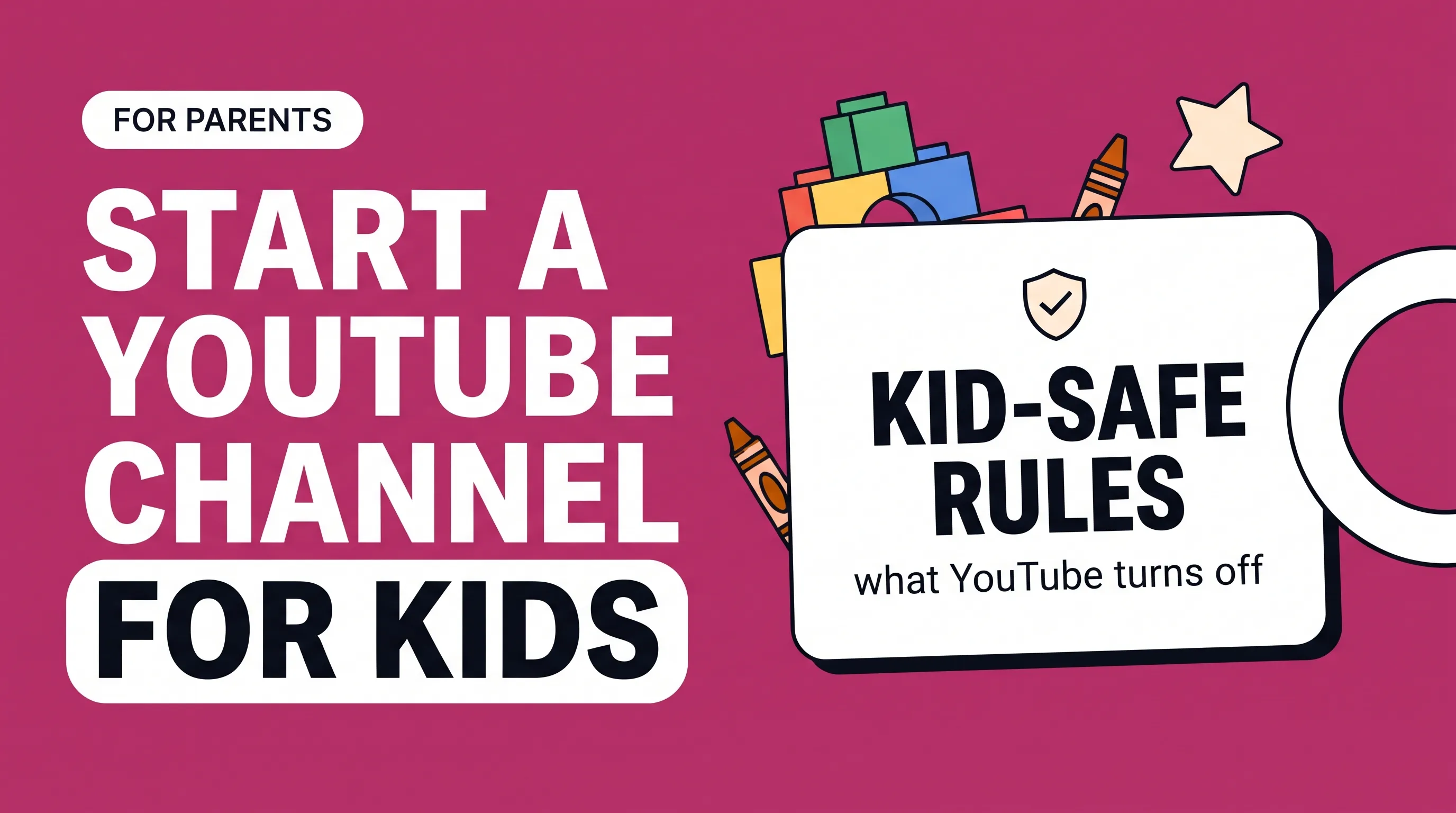
"A YouTube channel for kids" can mean two things, and the rules apply to both:
A channel that makes videos for children to watch, such as songs, stories, crafts or learning videos.
A channel your child wants to appear on or help create.
Either way, an adult should own and run the channel. YouTube requires channel owners to meet a minimum age (13 in most countries), and children under that age use YouTube through supervised experiences, which may not allow creating a channel. Any video aimed at children must also be marked as "made for kids" in YouTube Studio, which turns off several features and changes how the channel earns.
The "made for kids" rules
YouTube requires every creator to say whether their content is made for kids, either for the whole channel or video by video. This follows the US Children's Online Privacy Protection Act (COPPA) (opens in a new tab), and YouTube applies the setting to creators worldwide.
What counts as "made for kids"
Following FTC guidance (opens in a new tab), a video is made for kids if children are its main audience, or if it's directed at children through things like its subject, characters, themes, toys or games, even when children aren't the only audience. If you're unsure, YouTube suggests its own guidance or legal advice. Marking child-directed content as "not made for kids" to keep features is a serious compliance risk.
What's turned off on made-for-kids videos
According to YouTube, these features aren't available on made-for-kids content:
| Turned off | Why it matters for you |
|---|---|
| Comments and live chat | No comment-based community or feedback |
| Personalized ads | Lower earnings; only non-personalized ads run |
| Notifications | Subscribers aren't alerted to new uploads |
| Cards and end screens | Harder to send viewers to your next video |
| Channel memberships, Super Chat, Super Stickers | No fan funding |
| Merchandise and ticketing | No merch shelf |
| Save to playlist and Watch Later | Viewers can't save videos for later |
| Autoplay on home, Miniplayer, video watermarks | Less discovery and branding |
At the channel level, posts and stories are also unavailable on channels set as made for kids.
How to set up a kids' YouTube channel
Use an adult's Google account. The parent, teacher or business running the channel should be the owner. Creating the channel under a business name lets you add other adults as managers later; our channel setup guide walks through it.
Set the audience. In YouTube Studio, go to Settings, then Channel, then Advanced settings, and choose whether the whole channel is made for kids. If you'll mix kids' and family content, set it video by video instead.
Pick a clear theme. Songs, read-alouds, science experiments, crafts, simple language lessons or calm bedtime content are common formats.
Make it work without comments. Since viewers can't comment, plan your feedback another way, such as a parent email list or a website.
Design for parents too. Parents choose what young children watch, so titles and thumbnails should tell a parent clearly what the video teaches or offers.
Consider YouTube Kids. Videos that fit YouTube Kids' quality guidelines can appear in the separate YouTube Kids app, where many families watch.
Keeping children safe on camera
If your child appears in videos:
Never share their full name, school, home area or daily routine, and check backgrounds for street signs and house numbers.
Keep filming in shared family spaces, not bedrooms.
Don't post anything you wouldn't want them to see online as a teenager. Let older children say no to a video.
Avoid livestreams with young children; YouTube restricts live streaming by younger minors unless an adult is visibly present.
Read the channel's analytics and any messages yourself, not your child.
How kids' channels earn
Made-for-kids channels can still join the YouTube Partner Program and earn from non-personalized ads, but they usually earn much less per view. In AIR Media-Tech's 2026 data (opens in a new tab), education and science channels had a median RPM over 30 times higher than kids and teens content. Memberships, Super Chat and merch shelves are switched off too.
That's why many kids' channels earn more from other sources: licensing, books, music streaming, apps, or simply bringing customers to a related business such as a tutoring service or toy shop. See how much YouTube pays per view for the general picture.
FAQ
Can a child have their own YouTube channel?
Not on their own in most countries. Channel owners must meet YouTube's minimum age, usually 13. A parent can own a channel that features their child.
Do I have to mark my channel as made for kids?
Yes, if your content is directed at children. Every creator has to set their audience, and marking child-directed videos wrongly can lead to penalties under COPPA.
Can made-for-kids videos make money?
Yes, through non-personalized ads once you're in the YouTube Partner Program, but usually far less per view than other content.
Why are comments turned off on my kids' videos?
YouTube turns comments off on all made-for-kids content to limit data collection from children, as required by COPPA.
Is a kids' channel a good business idea?
It can be, but only with a plan that doesn't rely on ad revenue alone, and with a firm commitment to your child's privacy if they appear on camera.