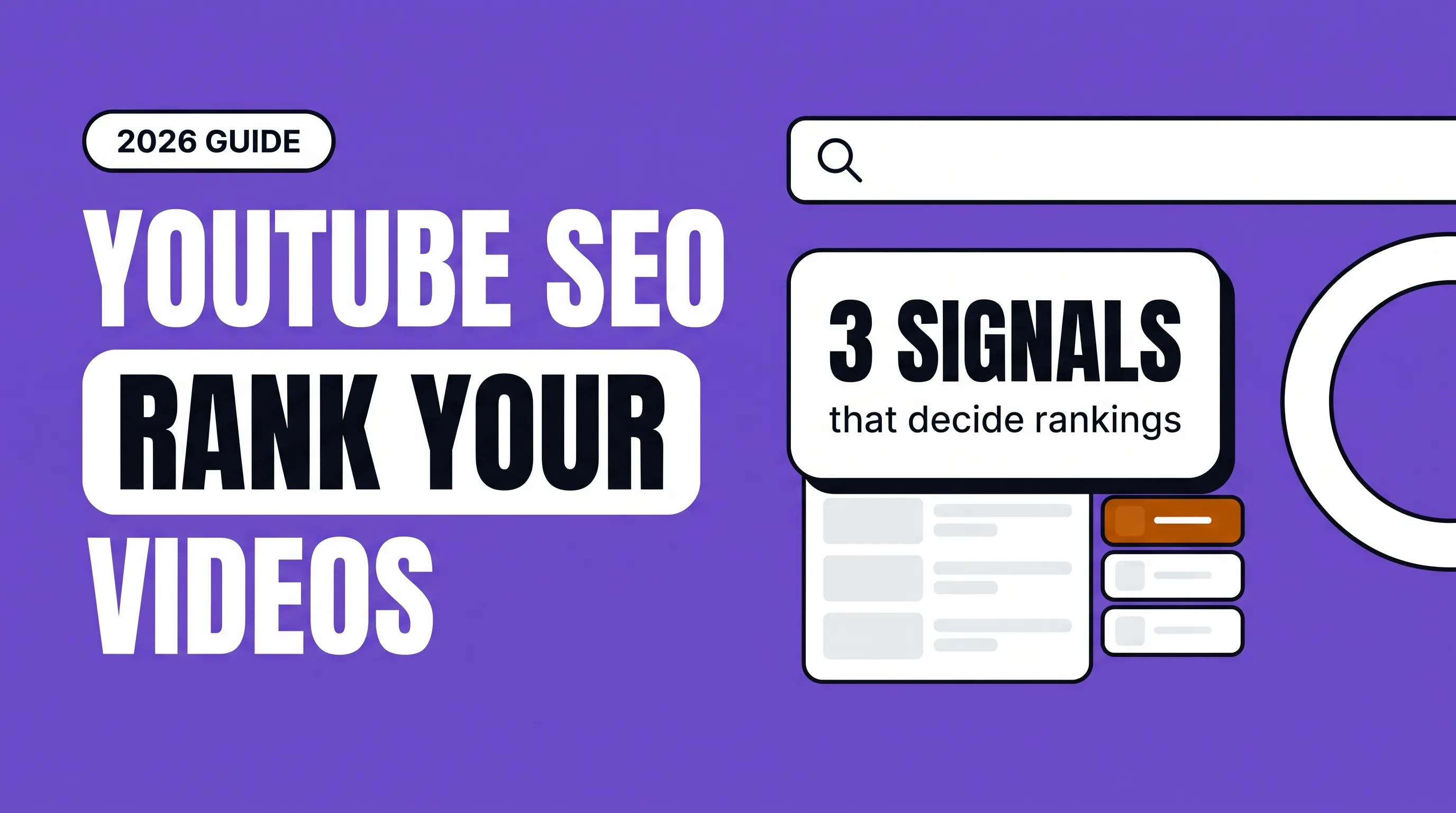
YouTube SEO means making videos that match what people search for, then packaging them so the right viewers click and keep watching. YouTube says its search ranks videos on three things: relevance, engagement and quality.
| Signal | What YouTube looks at | What you control |
|---|---|---|
| Relevance | How well the title, tags, description and the video itself match the search | Topic choice, title, description, spoken words, captions |
| Engagement | How much viewers watch a video after searching that query | Hook, pacing, delivering on the title's promise |
| Quality | Signs a channel shows expertise, authority and trustworthiness on a topic | Accurate content, consistent focus, real credentials |
YouTube also personalizes results using a viewer's watch and search history, so two people can see different results for the same search.
The practical takeaway: metadata gets you considered, but watch time decides whether you stay. A perfectly optimized title on a video people abandon won't hold its ranking.
YouTube SEO, step by step
1. Find topics people actually search
Start with YouTube's search bar. Type your main topic and note the autocomplete suggestions; they come from real searches. Add a letter after your topic ("youtube seo a", "youtube seo b") to surface more. Then check YouTube Studio's research tools for what your own audience searches. Pick specific questions over broad topics: "how to rank a YouTube video for a local business" is easier to win than "YouTube SEO".
2. Check what already ranks
Search your topic and watch the top five results. Note their length, angle and what they leave out. Your video needs a reason to exist: more current, more specific, better examples, or a clearer answer.
3. Write a title that matches the search and earns the click
Put the main phrase near the start, keep the important words within the first 60 or so characters so they aren't cut off, and add a reason to click: a number, a year, a result. "YouTube SEO: How to Rank Your Videos in 2026" does both jobs.
4. Say the keyword in the video
YouTube looks at the video content, not just the text around it. Say the main phrase naturally in the first 30 seconds, and upload accurate captions so the spoken words are easy to read for viewers and machines.
5. Write a useful description
The first two lines show in search and above the fold, so summarize the video there with the main phrase. Below, add a fuller summary, links to related videos and your site, and chapters.
6. Add chapters
Timestamps in the description split the video into labeled sections. Viewers jump straight to their answer, and chapters can appear as "key moments" in Google results.
7. Design a thumbnail that matches the title
The thumbnail and title work as a pair. Use a clear focal point, high contrast and three words at most, and don't repeat the title word for word. Low click-through rate on a video with good impressions almost always means packaging.
8. Hold attention
This is where most rankings are won or lost. Open by restating the viewer's question and promising the answer. Cut slow intros. Deliver what the title promised early, then go deeper. Our YouTube script structure guide shows a structure that keeps people watching.
9. Keep viewers on your channel
Use end screens, cards and playlists to send viewers to your next relevant video. Longer viewing sessions are a good sign to YouTube that your channel answers this topic well.
10. Use tags lightly
YouTube lists tags among its relevance factors, but they matter mostly for commonly misspelled words or alternate names. Add a few, then spend your time on the title, thumbnail and video instead.
11. Review and update
After two to four weeks, check impressions, click-through rate, average view duration and traffic from YouTube search in YouTube Studio. Change the title or thumbnail on videos that get impressions but few clicks. You can update both at any time.
Using YouTube to rank in Google too
YouTube videos often appear in Google results, especially for how-to searches. To give a video the best chance:
Target questions where Google already shows videos. Search the phrase on Google; if a video carousel appears, a video can rank there.
Add chapters, so Google can show key moments.
Embed the video on the matching page of your website, with a written summary or transcript around it. The page and the video support each other.
Link to the video from related pages and your newsletter.
This is the other meaning of "YouTube for SEO": using video to help your website rank and keep visitors on the page longer.
YouTube SEO myths
"More tags rank you higher." Tags play a small role; the title, the video itself and viewer behavior matter far more.
"Long descriptions stuffed with keywords help." A clear, useful description helps; repetition doesn't.
"You need lots of subscribers to rank." Small channels rank in search all the time when the video matches the query and holds attention.
"Upload time decides success." It can affect the first hours, but search traffic builds over months.
YouTube SEO checklist
Topic comes from a real search suggestion or customer question
Main phrase near the start of the title
Thumbnail is clear, high contrast and complements the title
Main phrase spoken in the first 30 seconds
Accurate captions uploaded
First two lines of the description summarize the video
Chapters added
End screen and playlist point to the next video
Embedded on the matching page of your website
Performance reviewed after two to four weeks
FAQ
How long does YouTube SEO take to work?
Some videos pick up search traffic within days; most build over weeks and months. Judge a video after at least a month, and a channel's SEO after three to six months.
Do keywords in the title still matter?
Yes. YouTube lists how well the title matches the query as part of relevance. But the title also has to earn the click, so write for people first.
Are tags important for YouTube SEO?
They're a minor factor. A handful covering misspellings and alternate names is enough.
Does video length affect ranking?
Not directly. What matters is how much of the video people watch for that search. Make it as long as the answer needs.
Should I hire a YouTube SEO agency?
If you're publishing regularly and views from search are flat, an agency can help with topic research, titles, thumbnails and reviewing what's holding videos back.